
EU AI Act Takes Effect: AI Content Labels Now Required
EU AI Act Article 50 and California SB 942 require AI content labeling from August 2, 2026. Fines reach €15M. Here's what changes for AI video creators.
Read Article →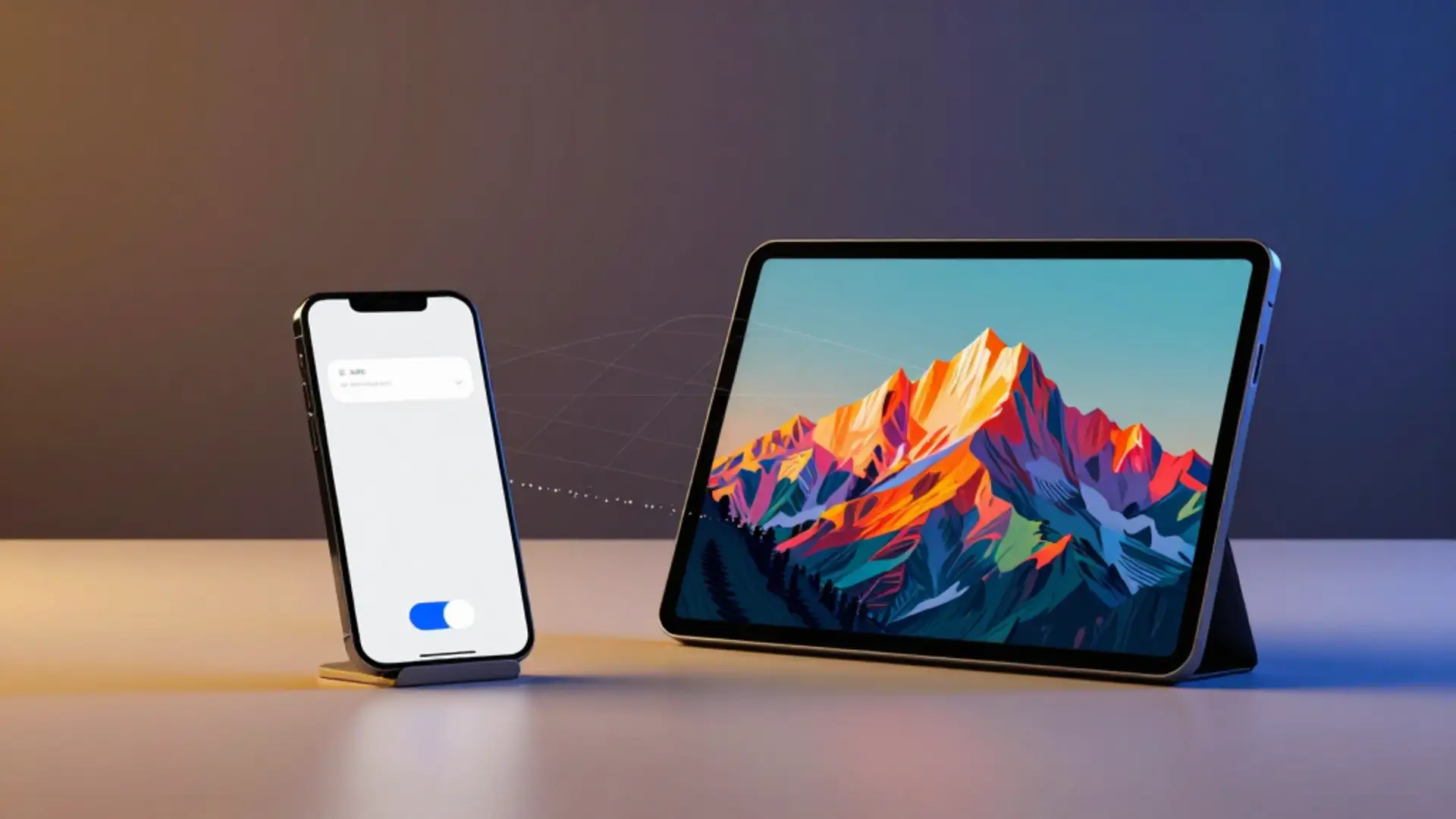
Google rolled out a Gemini watermark toggle on August 14, 2026, called Media Watermark, that lets users turn off the visible mark on AI images, video, and music made with Nano Banana, Omni, and Lyria. The invisible SynthID watermark and C2PA metadata still get embedded no matter what you choose.
Gemini VP Josh Woodward announced the change, calling the visible watermark one of users’ most common complaints. It’s rolling out first in the Gemini app and Flow, Google’s AI video editor, with Search support coming soon. Not everyone gets it on day one: the EU has it switched off entirely, and a few other countries need a paid subscription just to see it.
Flipping the switch takes under a minute once it reaches your account. Open the Gemini app, tap Settings, find Media Watermark, and turn it off. The change only applies going forward, not to anything you already made.
The rollout covers three model families, each with its own watermark behavior:
Gemini's image model. The toggle removes the visible corner mark from new images.
Google's video model inside the Gemini app. The toggle removes the on-screen overlay from new clips.
Gemini's music model. Tracks render inside a video or player, so the toggle removes the watermark there.
Lyria is the newest of the three, and our coverage of Lyria’s launch has more on how the music model works.
Turning off the visible mark does not touch the layer Google actually relies on for provenance. Woodward was direct about this, saying that “invisible SynthID watermarks and C2PA metadata are still being used for transparency” no matter how the visible setting is configured.
SynthID embeds an invisible signal into the pixels or audio of a generated file, detectable even after edits, compression, or cropping. Content Credentials, the C2PA standard, attaches metadata documenting that a file was AI-generated. Neither one shows up to a casual viewer, and neither one is optional. Google paired the announcement with an open-source library, Credentio, for checking these markers, which makes the invisible layer easier for third parties to verify now that the visible one is optional.
The toggle isn’t available on work or school Gemini accounts. Those accounts keep the visible watermark regardless of subscription tier.
Most countries get the toggle on every personal Gemini account. India, South Korea, and Vietnam only show it to AI Ultra subscribers, the European Union doesn’t get it at all, and work or school accounts never see it regardless of region or plan.
Media Watermark toggle availability as of August 2026
| Region | Toggle Availability |
|---|---|
| Most countries | Available to all Gemini accounts |
| India, South Korea, Vietnam | Available only with a paid AI Ultra subscription |
| European Union | Not available; visible watermark stays on |
| Work/school accounts (any region) | Not available |
The EU exclusion traces to Article 50 of the EU AI Act, which took effect on August 2, 2026, and requires AI-generated content to carry clear, visible labeling. Google treats the visible watermark as part of meeting that requirement, so the toggle simply doesn’t appear for EU accounts. India, South Korea, and Vietnam sit in a different category: Google’s support page states plainly that in those three countries, “you’ll only see this setting if you have an AI Ultra subscription.”
Before this update, a clean Gemini image meant going outside Google entirely: browser extensions, crop-and-clone tools, or GitHub scripts built to strip the corner mark off Nano Banana outputs. Android Authority had already spotted evidence of an official removal setting in a Gemini APK teardown back in July, weeks before Google confirmed it. None of the third-party workarounds were sanctioned, and running an unfamiliar script against your own files carried its own risk on top of sitting in a gray area against Google’s terms.
An official toggle closes that gap. There’s no third-party code to trust and no ambiguity about whether removing the mark violates anything, since Google is the one offering the switch.
The bigger effect lands on commercial use. Marketers and video editors dropping AI-generated clips into finished work now have one less visual tell that a shot started as a machine output. Flow already competes for that audience alongside the tools in our best AI video generators comparison, and a persistent on-screen watermark has been one of the clearer signals separating a finished edit from a rough AI draft. The invisible SynthID and C2PA layers mean nothing about a file’s origin actually disappears; it just stops being visible to whoever’s watching.
No. SynthID is an invisible watermark embedded in every AI-generated file Gemini produces, whether it came from Nano Banana, Omni, or Lyria, and it stays there regardless of the Media Watermark setting, which only affects the visible on-screen mark.
The European Union does not get the toggle; visible watermarks stay on there under the AI Act's labeling requirements. India, South Korea, and Vietnam get access only with a paid AI Ultra subscription. Everywhere else, the setting is available to all accounts.
Open the Gemini app, tap Settings in the bottom-left corner, select Media Watermark, and toggle it off. The change applies to new images, video, and music you generate afterward, not to files you already created.
Yes. Flow, Google's AI video editor, is one of the first two products to get the Media Watermark setting, alongside the Gemini app. Support for Google Search is rolling out separately and was described as coming soon.
No. It's a setting Google built and ships inside the Gemini app itself, unlike third-party watermark-removal extensions and scripts that sit in a gray area outside Google's control.
No. Google's support documentation states the Media Watermark setting is not available on work or school accounts, which keep the visible watermark applied no matter what.
 11 min read
 EU AI Act Article 50 and California SB 942 require AI content labeling from August 2, 2026. Fines reach €15M. Here's what changes for AI video creators.
Read Article → 6 min read
 OpenAI's ChatGPT Images 2.0 brings reasoning to AI image generation with 99% text accuracy and topped Image Arena by 242 points. DALL-E retires May 12.
Read Article → Featured 21 min read
 InVideo, Synthesia, Synthesys, Fliki and Runway compared on output, pricing and free tiers. Every free option carries a watermark or a usage cap.
Read Article →