
Opus Clip Review 2026: Best AI Video Clipper From $15/mo
Opus Clip review covering ClipAnything, pricing, virality score, and free plan. AI video clipper used by 16M+ creators from $15/mo. Is it worth it in 2026?
Read Article →
The best AI video clipper in 2026 is Vizard for transcript-based editing with 4K output and team collaboration, Submagic for caption styling and short-form video polish, and Opus Clip for automatic clip extraction from long-form content. Each tool solves a different production bottleneck rather than competing head-to-head.
AI video clippers transform hours of podcasts, webinars, and YouTube recordings into vertical shorts ready for TikTok, Instagram Reels, and YouTube Shorts. Unlike full AI video generators that create footage from scratch, clippers extract and reformat your existing content. Search interest grew over 900% in the past three months for podcast-related clipping queries according to Exploding Topics trend data, driven by creators repurposing long-form content without hiring editors.
Edit video by editing text. 4K, 100+ languages, 10-hour source support.
Viral-style captions, AI B-roll, and hook titles in 123 languages.
AI video clippers analyze your source video’s audio transcript, visual cues, and emotional peaks to identify segments with the highest engagement potential. The AI then extracts those moments, reframes them to vertical (9:16) format with face tracking, adds captions, and assigns each clip a virality score predicting performance.
The core workflow is identical across all three tools: upload a long video (or paste a YouTube URL), wait 2-5 minutes for AI processing, then review and export the generated clips. The differences come down to what happens between upload and export - how accurately the AI detects viral moments, what polish features are available, and how much control you get over the final output.
| Tool | Best For | Price | Rating | Key Feature |
|---|---|---|---|---|
| Best Value Vizard | Teams and agencies needing collaboration | $14.50/mo (annual) or $29/mo | Transcript-based editing, 4K, 10hr source | |
| Top Rated Submagic | Short-form creators filming native vertical | $12/mo (annual) or $19/mo | Best-in-class animated captions (123 languages) | |
| Editor's Pick Opus Clip | Podcasters mining long back-catalogs | $14.50/mo (annual) or $29/mo | ClipAnything AI with virality scoring |
Vizard takes a different approach to clipping: transcript-first editing. Upload a video and Vizard generates a complete transcript. Delete a sentence from the transcript and the corresponding video segment disappears. You get frame-accurate control over clip boundaries that purely AI-driven tools can’t match.
For podcast teams and agencies, the shared workspace is what sells it. Multiple editors can access the same project, apply consistent brand templates, and publish directly to up to 20 social accounts. The 10-hour source video support (600 minutes) means even the longest webinar recordings can be processed without splitting files.
Edit video by editing text - delete a sentence and the video segment disappears
Full 4K output on all paid plans with no watermarks or branding
Longest source video support in the category at 600 minutes per upload
Shared projects, brand kits, and direct scheduling to 20 social accounts
Get 60 free credits monthly. Edit video by editing text with 4K export and 100+ language subtitles.
Start Clipping with Vizard →Best For: Agencies, podcast teams, and creators needing transcript-based editing with 4K output
Submagic is the polish layer in an AI clipping workflow. Its animated captions (Hormozi-style emphasis, MrBeast-style emoji punctuation, large-cap treatments) are what’s actually trending on TikTok and Reels right now. I haven’t found another tool that gets this close to native-looking captions at $12/month.
Worth noting: Submagic is not primarily a clipper. It takes existing short-form clips and makes them look professional with captions, B-roll, silence removal, and hook titles in one pass. Submagic reports over 4 million users on the platform as of 2026, primarily short-form creators on TikTok and Instagram. The Magic Clips add-on ($12/month annual) adds long-to-short extraction, but it’s not Submagic’s core strength.
98.8% accuracy with trending styles - Hormozi emphasis, MrBeast emoji, large-cap treatments
Storyblocks library matched to spoken content, inserted automatically at the right moments
Automatic 'um' cutting and dead-air removal for tighter, more engaging clips
Consistent styling across all clips with saved brand colors, fonts, and caption styles
Add viral-style captions, B-roll, and hook titles to any short clip in under 2 minutes. 123 languages supported.
Try Submagic Free →Best For: Short-form creators who film native vertical content and need viral-ready polish
Opus Clip’s ClipAnything engine is still the best automatic clip extraction I’ve seen. Feed it a 60-minute podcast and it identifies the strongest 30-90 second moments based on hook quality, topic density, and emotional peaks. Each clip receives a virality score from 0 to 100, letting you prioritize exports without watching every clip manually.
Where Opus Clip pulls ahead: back-catalog mining. ClipAnything’s search-by-description feature lets you type “motivation tips” across hours of existing footage and surface relevant moments instantly. According to Opus Clip, over 10 million creators have used the platform since its 2023 launch. For creators sitting on hundreds of hours of recorded content, this feature alone justifies the subscription.
Industry-leading clip detection with search-by-description across your entire video library
Predicts which clips will perform on social before you post, letting you skip manual review
YouTube, Vimeo, Twitch, Zoom, Riverside, and direct upload all supported natively
Publish directly to all major platforms on a calendar with brand templates applied
I’d pair Opus Clip for extraction (finding the best moments) with Submagic for polish (making those moments look native to each platform). At $35/month combined ($14.50 Opus Clip annual + $23 Submagic Pro annual), you cover the full long-to-short pipeline.
ClipAnything finds viral moments across hours of content. 60 minutes free monthly, virality scoring on every clip.
Try Opus Clip Free →Best For: Podcasters and YouTubers mining large video libraries for viral moments
All three tools offer functional free plans, but paid plans unlock the features that make them production-ready.
| Plan | Annual | Monthly |
|---|---|---|
| Free | Annual $0 | Monthly $0 |
| ||
| Recommended | Annual $14.50/mo billed annually | Monthly $29/mo |
| ||
| Annual $19.50/mo billed annually | Monthly $39/mo | |
| ||
| Plan | Annual | Monthly |
|---|---|---|
| Free | Annual $0 | Monthly $0 |
| ||
| Annual $12/mo billed annually | Monthly $19/mo | |
| ||
| Recommended | Annual $23/mo billed annually | Monthly $39/mo |
| ||
| Annual $41/mo billed annually | Monthly $69/mo | |
| ||
| Plan | Annual | Monthly |
|---|---|---|
| Free | Annual $0 | Monthly $0 |
| ||
| Annual $15/mo | Monthly $15/mo | |
| ||
| Recommended | Annual $14.50/mo billed annually | Monthly $29/mo |
| ||
| Business | Annual Custom | Monthly Custom |
| ||
4K export, 6 social accounts, and scheduling at $14.50/month billed annually.
40 videos/month with animated captions, brand kit, and social publishing at $23/month.
Transcript-based editing with 4K output, 10-hour source support, and the best annual pricing at $14.50/month.
Unmatched animated caption quality in 123 languages. The polish layer every short-form creator needs.
The most accurate AI clip extraction engine. Best for mining long video libraries with virality scoring.
Opus Clip and Vizard both offer 60 minutes of free processing monthly. Opus Clip's free plan includes watermarked exports with a 3-day expiry, while Vizard exports at 720p with a watermark and 3-day storage. Submagic's free plan is more limited at 3 watermarked videos per month with a 1-minute-30-second cap. For pure clip extraction without paying, Opus Clip's free tier gives you the most usable output.
They solve different problems. Opus Clip excels at extracting the best moments from long-form video automatically using its ClipAnything AI engine. Submagic excels at making existing clips look polished with animated captions, B-roll, and silence removal. Many creators use both together: Opus Clip finds the clips, Submagic makes them look viral-ready. At $35/month combined on annual plans, the pair covers the complete long-to-short workflow.
For podcast repurposing specifically, Opus Clip and Vizard are the strongest options. Opus Clip's virality scoring helps identify which podcast moments will perform best as short clips. Vizard's transcript-based editing gives you precise control over clip boundaries by letting you edit the text directly. Submagic is less suited for podcast extraction since it focuses on polishing clips rather than finding them.
Yes. AI video clippers analyze audio transcripts, facial expressions, and emotional peaks to identify the strongest moments in your source video. Opus Clip, Vizard, and Submagic (via its Magic Clips add-on) all offer automatic clip extraction. The AI typically generates 10-30 clips from a 30-minute source video within 2-5 minutes of processing time.
Entry-level paid plans start at $12/month (Submagic annual) to $15/month (Opus Clip). The sweet spot for most solo creators is $14.50-$23/month, which covers the Pro or Creator tiers with 4K export and no watermarks. Team plans range from $19.50/month (Vizard Business) to $69/month (Submagic Business with API access). All three tools offer free plans for testing before committing.
All three tools include automatic captioning. Submagic leads in caption quality with 123 languages and animated styles (word-by-word highlighting, emoji overlays, trending templates). Vizard supports 100+ languages with standard subtitle formatting. Opus Clip provides auto-subtitles with 97% accuracy but less visual polish than Submagic. For TikTok-native caption aesthetics specifically, Submagic wins by a wide margin.
 Featured 13 min read
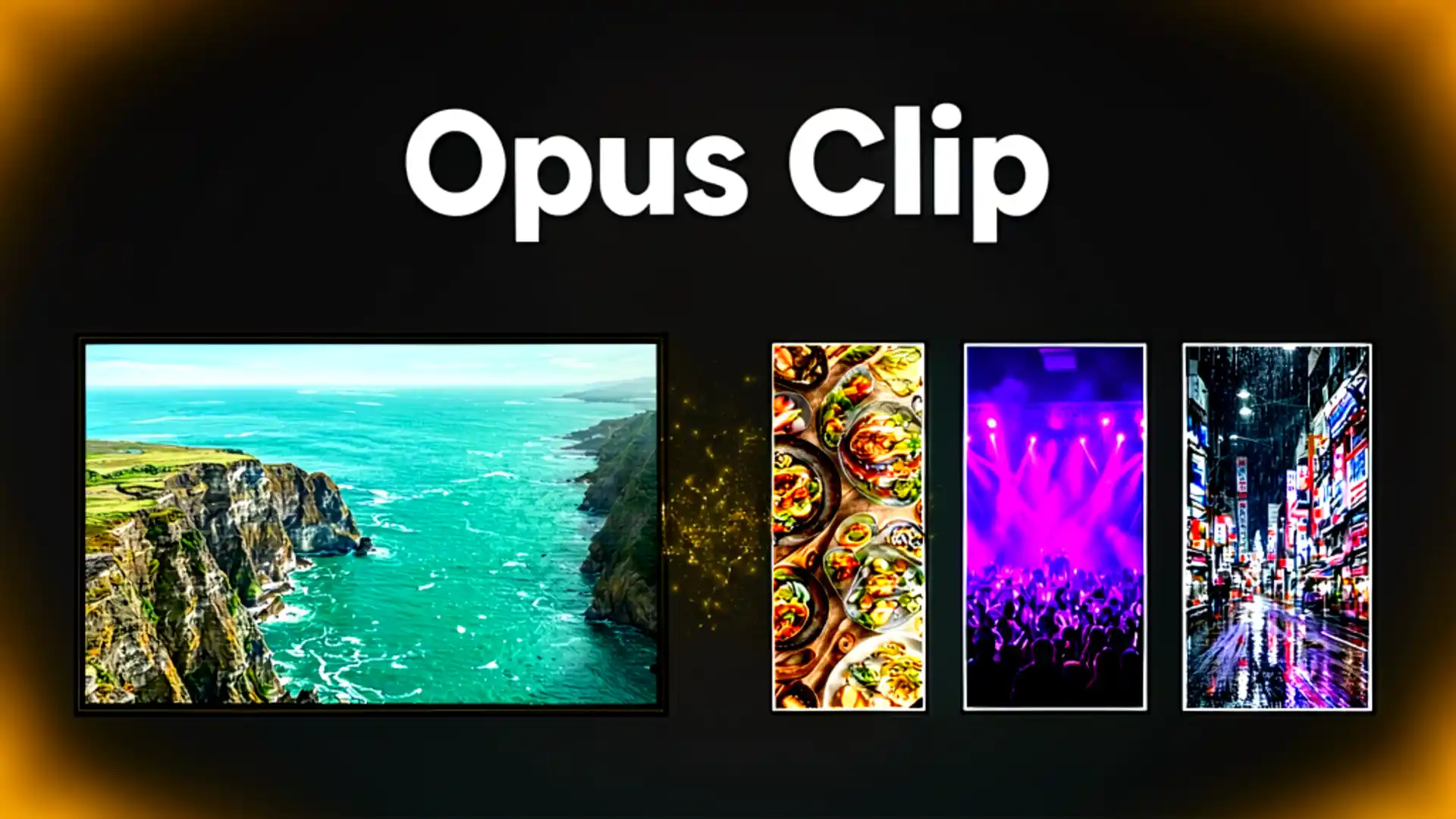
 Opus Clip review covering ClipAnything, pricing, virality score, and free plan. AI video clipper used by 16M+ creators from $15/mo. Is it worth it in 2026?
Read Article → 21 min read
 InVideo, Synthesia, Synthesys, Fliki and Runway compared on output, pricing and free tiers. Every free option carries a watermark or a usage cap.
Read Article → 22 min read
 Start a faceless YouTube channel with AI tools from $6/mo. Real RPM data by niche, AI voiceovers, video creation, and the new 2027 monetization rules.
Read Article →